
A lightweight, secure SSH client for Windows
A fast, tabbed terminal for connecting to remote hosts - with saved connection profiles, OS-encrypted secret storage, and host-key verification. Without the weight of a full terminal suite.
For Windows 10 and 11 · Open source under the MIT license
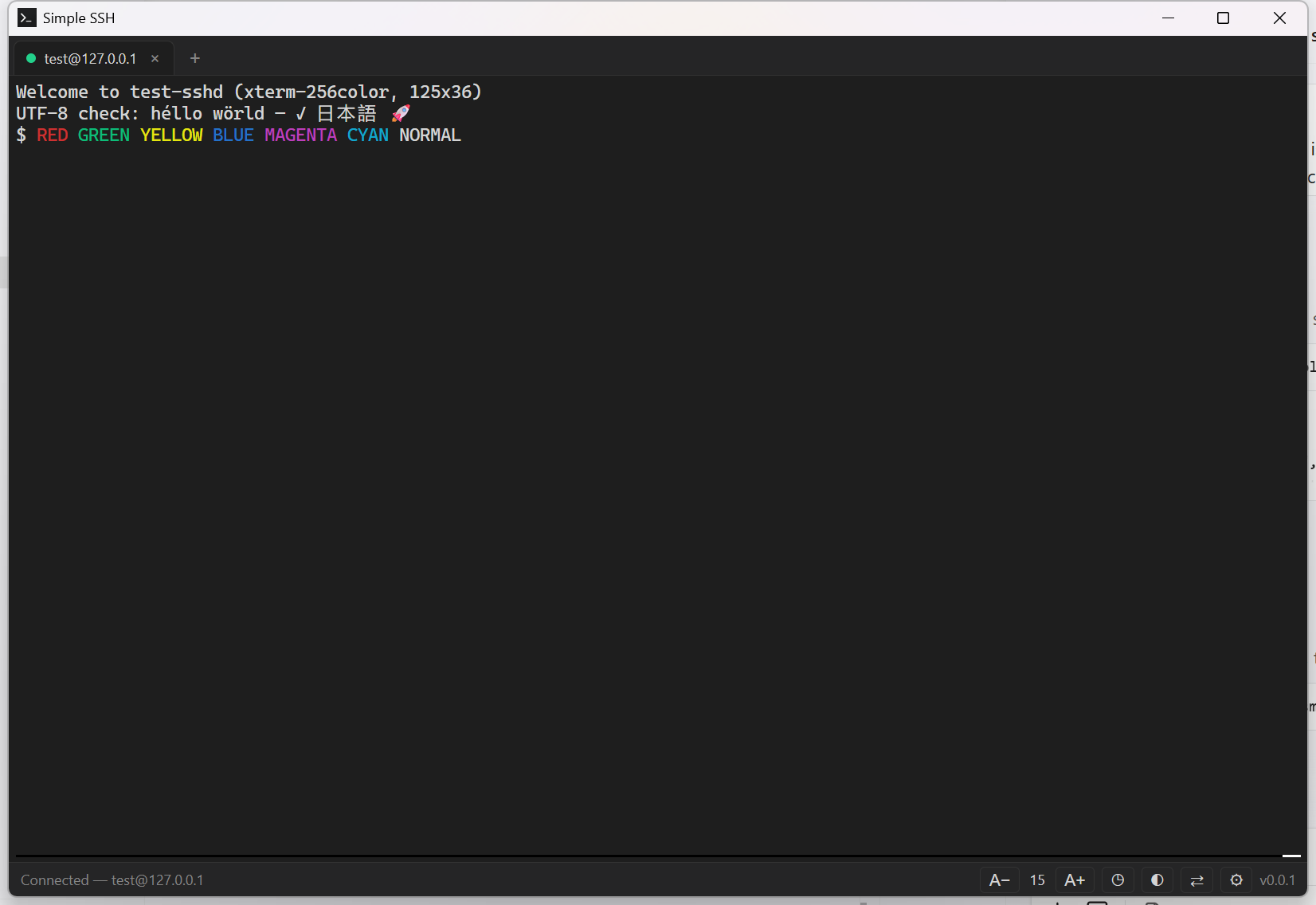
Everything you need, nothing you don't
Tabbed sessions
Run multiple SSH connections side by side in one window. Rename, duplicate, drag to reorder, and middle-click to close tabs.
Connection profiles
Save hosts, ports, usernames, and auth methods for one-click reconnect. Recent connections are recorded automatically.
~/.ssh/config import
Already have hosts configured? Import your Host entries straight into the connect form.
Flexible authentication
Password, private key (with passphrase), or SSH agent - plus keyboard-interactive support for MFA and OTP challenges.
Encrypted secret storage
Passwords and key passphrases live in Windows Credential Manager. Plaintext is never written to disk.
Host-key verification
Unknown and changed host keys prompt for a trust decision, with SHA-256 fingerprints so you can verify before connecting.
Port forwarding
Set up local (-L style) tunnels per tab from the dedicated forwards panel - no command-line flags required.
Auto-reconnect
Dropped sessions show a one-click reconnect overlay so you're back in seconds.
Make it yours
A one-click light/dark theme, plus live font, cursor, line-height, and scrollback settings that apply to every open tab.
Accessible by design
Fully keyboard-navigable with visible focus, ARIA roles for screen readers, and an optional screen-reader mode for the terminal.
Built for security
Simple SSH keeps your secrets in the operating system's keychain, locks its interface down with a strict Content-Security-Policy, and performs all privileged work - networking, filesystem access, secret storage - in a Rust backend powered by Tauri and russh.